Document to Hyperlink
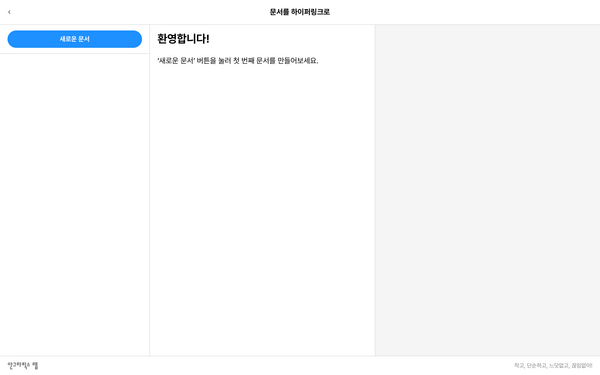
Document to Hyperlink is a personal wiki that runs in a web browser. If Document to Document introduced writing with Markdown, and Document to Slides extended documents into slides, it is now time to connect documents to one another.
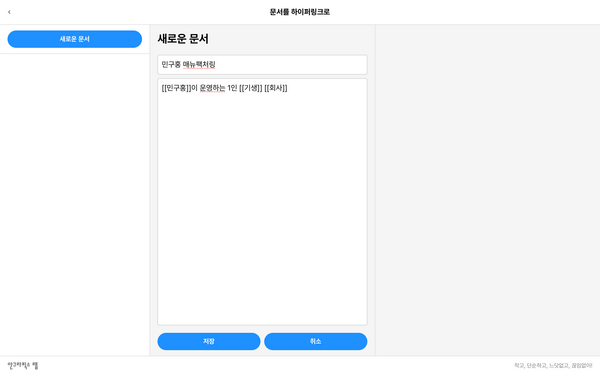
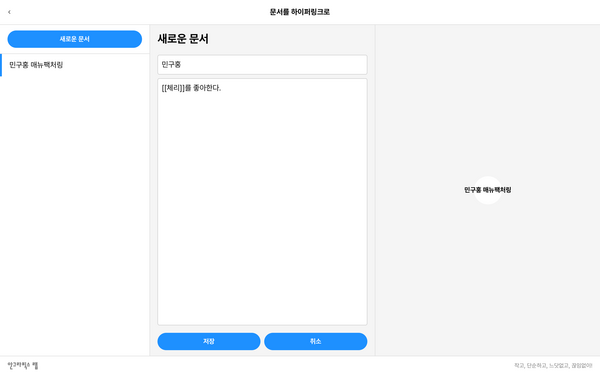
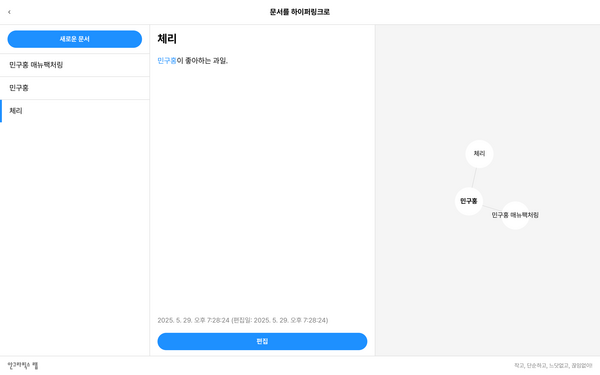
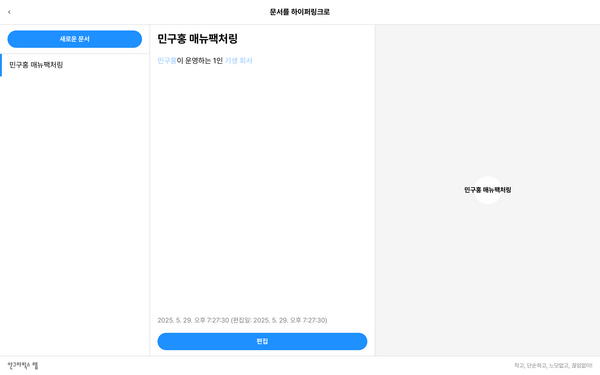
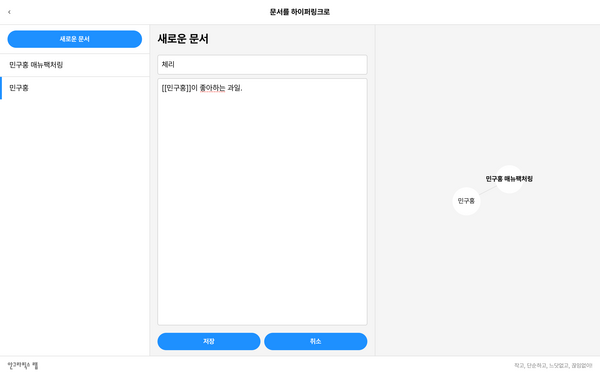
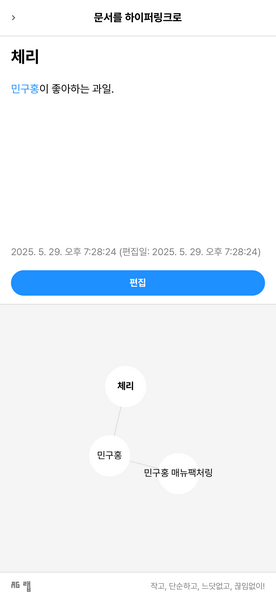
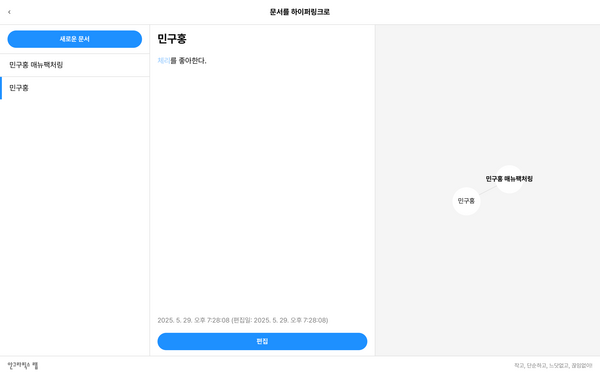
It is a tool that extends writing into information, information into relationships, and relationships into structure. It is simple to use. Put the title of a document you want to connect to inside double square brackets ([[]]), [[like this]], and a hyperlink to that document is created automatically. Connected documents are visualized as nodes on the right. Just as countless thoughts connect in your mind, documents become a map of thought. Documents, and thoughts, connect. That is all.
Documents Become Hyperlinks
The origins of the hyperlink go back to the memex, an imaginary machine proposed by Vannevar Bush in As We May Think in 1945. He observed that people remember information through connections rather than sequences. Contemporary personal wiki tools include Roam Research, Obsidian, and TiddlyWiki, but Document to Hyperlink could be called an AG Lab experiment that distills this development into its simplest form.
A hyperlink is more than a function for clicking. It is a way of passing information onward and a structure that moves thought. Thanks to hyperlinks, we wander the web as we read it and form relationships as we write documents. Document to Hyperlink brings this active connecting to personal documents.
Document to Hyperlink is a thinking tool rather than a notepad. Without setting up a wiki on a server, and without Notion or Obsidian, you can cultivate an ecosystem of your own thoughts in a web browser alone. Document to Hyperlink is the lightest starting point for making a personal wiki. Move beyond “piling up” documents and toward “interweaving” them. When documents refer to one another, they are no longer alone. We hope Document to Hyperlink can add structure to your thoughts, rhythm to that structure, and renewed inspiration to that rhythm.